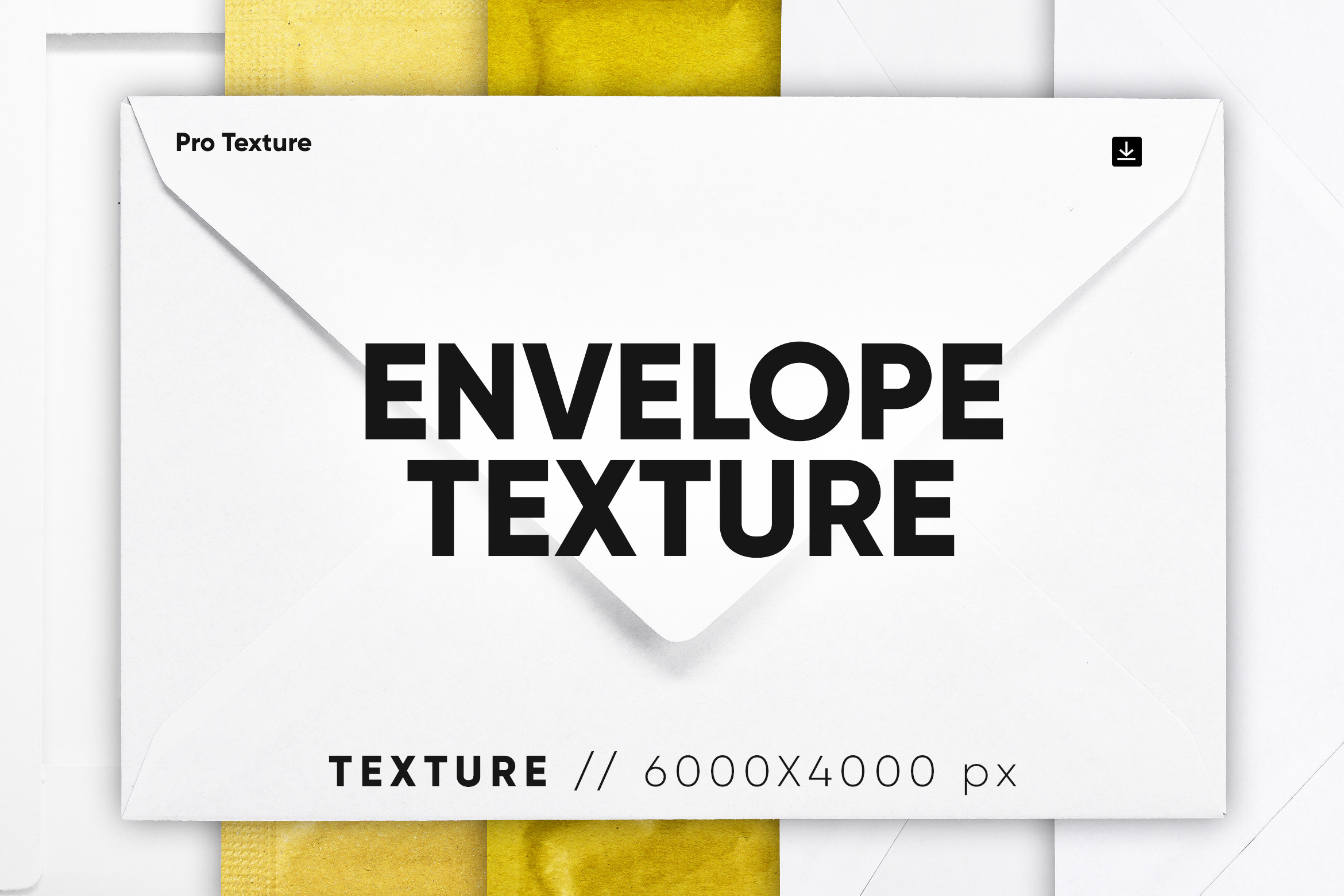
About 20 Envelope Texture HQ
This is the one we reach for when the request is correspondence texture. 20 Envelope Texture HQ keeps it simple, which is why it sits here rather than in the reserve pile. The review tab is empty. That is normal here and not a warning, but it does put the preview in charge. CCPreset is the name on the listing. The save count is still small at 15, so read this as our opinion and not a consensus.
A background has to take ink and glue without fighting the thing on top of it, so the quiet sheets get used far more than the dramatic ones. We would use it the way the listing hints — email icon photo — and that is also where we would start if you are trying it for the first time. Open it big before you commit. At thumbnail size every printable on this shelf looks equally good, which is the problem with thumbnails.
The words on the listing are envelope isolated, envelope texture, letter mail texture and message icon texture, and they are worth reading as a description rather than as tags. Put next to the usual requests here — scrapbook background, watercolor background, calligraphy background, vintage background for scrapbook and polaroid background — this one covers the plain version of the job, which is the version people need most often. The neighbouring searches are background, grunge, watercolor background and overlay — worth a look if this particular printable is close but not quite it. You will find it among the textures and backgrounds, sorted next to everything that does roughly the same job.
20 Envelope Texture HQ Specifications
| Printable name | 20 Envelope Texture HQ |
|---|---|
| Designer | CCPreset |
| Printable type | Textures and Backgrounds |
| Format | Digital download |
| Rating | Not rated yet |
| Reviews | None yet |
| Saved by | 15 makers on Creative Fabrica |
| Last review | 2023-05-24 |
| Where to get it | Creative Fabrica |
How to use this printable
- Download the kit from Creative Fabrica and unzip it — most kits are JPG or PNG pages plus a print-ready PDF.
- Print on something heavier than copy paper: 120 gsm and up takes glue and water without buckling.
- Print at 100% and keep «fit to page» off — a shrunk sheet throws off every cut-out that was drawn to size.
- Tea-stain or sand the edges if the set looks too crisp next to the rest of your journal; vintage paper is never evenly coloured.
Download Details
- Format: Digital download
- Files: listed on the Creative Fabrica page for this printable
- Licence: whichever licence Creative Fabrica shows for this file — check it there before you sell what you make