A January 2027 calendar printable starts on a Friday, and on a Sunday-start grid it needs six rows. That catches out a lot of free templates, so you should check the grid before you print. If you want a page for lists as well, try this to-do list template, and see more free 2027 calendar pages.
I sorted these 10 January 2027 calendar printable ideas by how you use the month, so you can pick one in a minute and print it right.
Quick answer: January 2027 has 31 days, starts on Friday, January 1, and ends on Sunday, January 31. Choose a Monday-start grid (idea 1) for five rows or a Sunday-start grid (idea 2) for six.
January 2027 starts on a Friday and has 31 days, so it fits five rows on a Monday-start grid and needs six rows on a Sunday-start grid.
What is a January 2027 calendar printable?
A January 2027 calendar printable is a one-month page you print at home from a PDF. It shows the 31 days of the month in a weekday grid, with room to write.
The grid is the same for every design. Only the week start and the extras change, so you pick by use, not by look.
| Idea | Best for | Style · Pages · Skill | Avoid if |
|---|---|---|---|
| 1. Monday-start grid | a work week planner | Style: plain · Pages: 1 · Skill: beginner | you prefer weekends first |
| 2. Sunday-start grid | a US school or church year | Style: plain · Pages: 1 · Skill: beginner | your template has five rows |
| 3. Habit tracker page | a January reset | Style: shaded days · Pages: 1 · Skill: beginner | you hate daily check-ins |
| 4. Goals page | three aims for the month | Style: list · Pages: 1 · Skill: beginner | you want a visual month |
| 5. Bullet journal insert | a hand-kept notebook | Style: glued page · Pages: 1 · Skill: beginner | the paper is thin |
| 6. Weekly spread | busy weeks inside the month | Style: grid · Pages: 2 · Skill: intermediate | you plan by month only |
| 7. Wall calendar | a gift or a kitchen wall | Style: ordered · Pages: 12 · Skill: none | you need it today |
| 8. Desk calendar | a work desk | Style: stand-up · Pages: 12 · Skill: none | your desk is small |
| 9. Digital planner | a tablet and stylus | Style: dated app file · Pages: many · Skill: intermediate | you only print on paper |
| 10. Editable Canva calendar | a calendar with your own fonts | Style: custom · Pages: 1 · Skill: beginner | you do not use Canva |
How do you choose a January 2027 calendar?
You choose by week start first, then by what the page has to hold. Three checks decide whether it works.
- Rows: five on a Monday start, six on a Sunday start.
- Use: a plain grid for notes, a tracker for habits, a wall version for a gift.
- Paper: office paper for a page you replace on February 1, heavier smooth sheets for gel pens.
The month at a glance
This is January 2027 as a Monday-start grid, so you can check any printable against it.
| Mon | Tue | Wed | Thu | Fri | Sat | Sun |
|---|---|---|---|---|---|---|
| 1 | 2 | 3 | ||||
| 4 | 5 | 6 | 7 | 8 | 9 | 10 |
| 11 | 12 | 13 | 14 | 15 | 16 | 17 |
| 18 | 19 | 20 | 21 | 22 | 23 | 24 |
| 25 | 26 | 27 | 28 | 29 | 30 | 31 |
If a free file shows January 1 on any day but Friday, it is a different year’s page. The 31st sits in the bottom right box on this grid.
Which holidays fall in January 2027?
- Friday, January 1: New Year’s Day.
- Wednesday, January 6: Epiphany.
- Thursday, January 7: Orthodox Christmas.
- Monday, January 18: Martin Luther King Jr. Day, a US federal holiday.
I add my own first: the day the planner starts, the first bill, the first birthday. You will read the month as a plan, not a list.
How do you print a January 2027 calendar so the grid fits?
- Open the PDF in a PDF reader. Browser previews hide the scaling option.
- Pick the paper size: US Letter (8.5 x 11 inches) or A4 (210 x 297 mm).
- Choose “Actual size” or 100%. This keeps the boxes the size the designer drew them.
- Print one page first. You check that the Saturday and Sunday columns and the last row are there.
- If an edge is cut, choose “Fit to printable area” and print the test again.
1. Monday-start January 2027 grid
A Monday-start grid puts the work week on the left and ends on the weekend. January 2027 starts on a Friday, so the 1st sits in the fifth column.
- Best for: a work-week planner.
- Avoid for: a template built for six rows.
- Check that the 1 sits under Friday.
- Count five rows: the last row runs 25 to 31.
- Print one page first.
Five rows is enough, so delete the spare row and make the boxes larger. A free file that shows the 1 under any other day is a different year, and you can skip it.
2. Sunday-start January 2027 grid
A Sunday-start grid needs six rows, which catches out many free files. The first row holds only the 1st and 2nd, and the last row holds only the 31st.
- Best for: a US school, church or family calendar.
- Avoid for: a five-row template that cuts off the 31st.
- Look at the bottom-right box in the preview.
- Confirm a sixth row exists before you download.
- Print one test page at Actual size.
I look for that sixth row first, and I never print before I see it. If it is missing, you lose the 31st, the only date on that line.
3. January habit tracker page
A habit tracker turns the month into a row of boxes you shade each night. It takes five minutes a day and shows you the pattern faster than a list.
- Best for: a January reset with one or two habits.
- Avoid for: more than four habits, which makes the page a chore.
- List the habits down the left side.
- Number the days 1 to 31 across the top.
- Shade a box each evening.
I keep it beside the month grid so I see both at once. A tracker you hide in a drawer stops working by the second week.
Set: a habit tracker sheet from the planner list below, plus a pen.
4. January goals page
A goals page holds three things you want done by January 31. Three is the limit that survives the first week, so you write them large and leave space below each.
- Best for: a fresh-start month with a few clear aims.
- Avoid for: a long to-do list. Use a to-do list template for that.
- Write three goals at the top.
- Add one next step under each, as in a simple to-do list.
- Pin the page where you see it daily, near your calendars and trackers.
You review it on Sundays. A goal with no next step stays a wish, so write the step before the date.
Set: a goals page from the bundle listed below, printed on a heavier sheet.
5. Bullet journal monthly insert
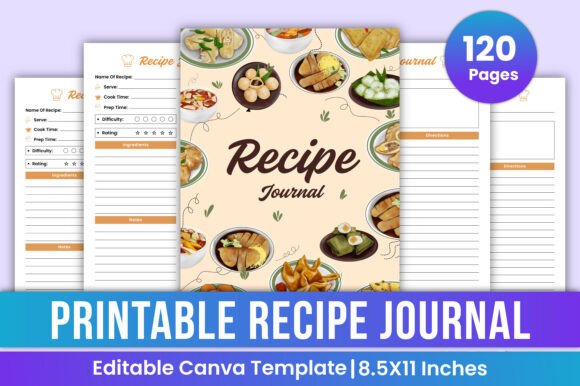
A printed month glued into a notebook saves you ruling a grid by hand. For journal pages, see these junk journal ideas as well.
- Best for: a hand-kept notebook.
- Avoid for: thin paper that wrinkles under glue.
- Print the month at 100 percent.
- Trim to the page size of your notebook.
- Glue only along the spine edge.
I use a heavier smooth sheet if you write with a gel pen, because thin paper shows the ink through on the back.
6. Weekly planner spread for January
A weekly spread adds room for each day inside the month. You take the week of the 4th to 10th as the first one, because the 1st to 3rd sits in a short first week.
- Best for: busy weeks with several tasks a day.
- Avoid for: a month with almost nothing planned.
- Print the month and one weekly page.
- Mark the short first week.
- Fill the busiest week first.
I think of it as a backup, and I plan weeks only when the month grid runs out of room. Otherwise the extra page is one more place to look.
7. 2027 wall calendar
A wall calendar shows the whole year and arrives printed, so you never test a grid. It is the lasting version for a gift or a kitchen wall.
- Best for: a gift or a family kitchen.
- Avoid for: a deadline this week, because you order it before January.
- Choose your own photos.
- Check the first month starts on a Friday.
- Order before January arrives.
A custom calendar with your photos lasts a full twelve months. Home paper curls, and a printed one hangs flat.
8. 2027 desk calendar
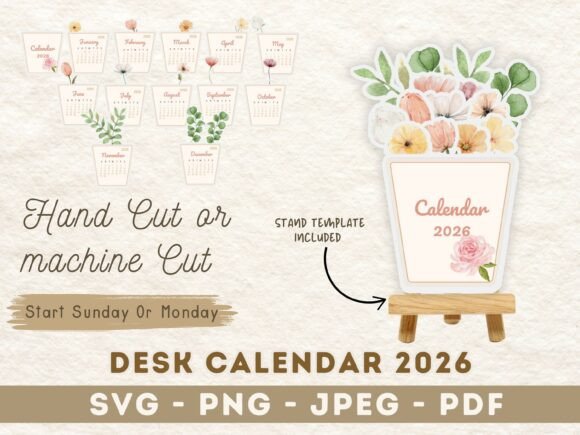
A desk calendar stands up and shows one month at a time. January 2027 sits on the front page, with the holidays printed in.
- Best for: a work desk or a home office.
- Avoid for: a very small desk.
- Pick a stand-up size that fits your desk.
- Check the holidays printed on January.
- Flip the month on the 1st.
It comes in the layout you pick, so you do not test the grid. It is the quickest idea here if you want paper without a printer.
9. Digital planner dated for 2027
A digital planner is a dated file for a tablet app, so January 2027 is already laid out. Holidays, weeks and months link to each other.
- Best for: a tablet and stylus.
- Avoid for: a paper-only routine.
- Open the file in your planner app.
- Jump to January 2027.
- Write with a stylus on the month page.
The large files need a paid app account to open in some apps. Check that before you buy.
Set: a dated tablet file from the last list, opened in your app.
10. Editable Canva January calendar
An editable calendar lets you change fonts, colours and photos before you print. You can also build your own in Word, Excel or Google Sheets in ten minutes.
- Best for: a calendar that matches your own style.
- Avoid for: a plain grid you could rule yourself.
- Make a table, seven columns by six rows.
- Type the weekdays and put the 1 in the Friday box.
- Save it as a template for the rest of 2027.
Make the rows tall enough for three lines of handwriting. For a ready one, a planner template in Canva has the grid done.
For decoration, add cute doodles, mini doodles or hand lettering to the margins of any page.
If it goes wrong
- The 31st is missing: the template has five rows on a Sunday start. Pick a six-row file.
- An edge is cut off: printers cannot reach the last millimetres. Use Fit to printable area.
- Ink shows through: the paper is thin. Switch to a heavier smooth sheet.
- The grid is the wrong year: the 1 is not under Friday. Download another file.
Key takeaways
- Pick the week start before anything else, because it sets the row count.
- A wrong weekday under the 1 means a wrong-year file.
- One test sheet saves a stack of wasted paper.
- Trackers and goal pages turn a grid into a plan.
- Read the licence line on every free page.
When the free version isn’t enough
See also these junk journal ideas for notebooks. A free page is fine for a tracker or a binder. It comes in one layout and one paper size, and it will not give you a designed year for a wall. These planner sets cover that, and the first two are Canva files with print-ready PDFs.
Unlimited creative assets. Access to AI tools.
Commercial licence included.
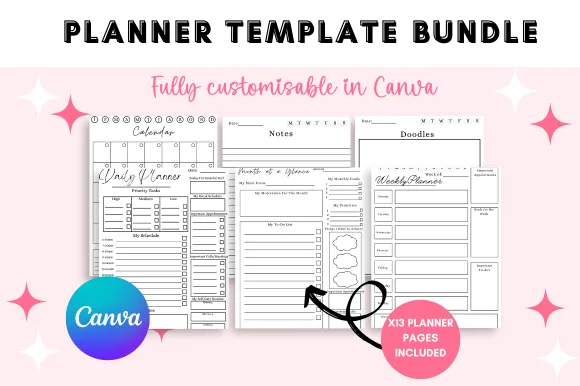
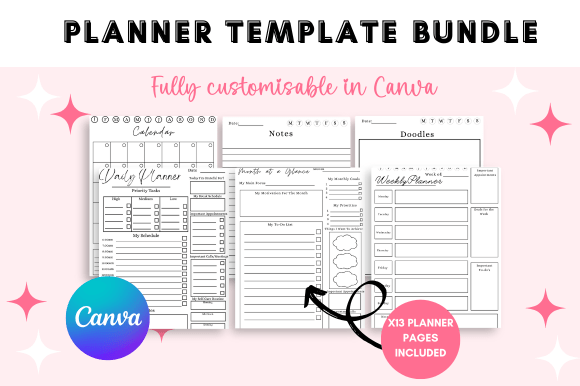
The Ultimate Planner Canva Template
Planner and tracker templates in one Canva bundle, so the habit tracker, the goals page and the calendar share a style.
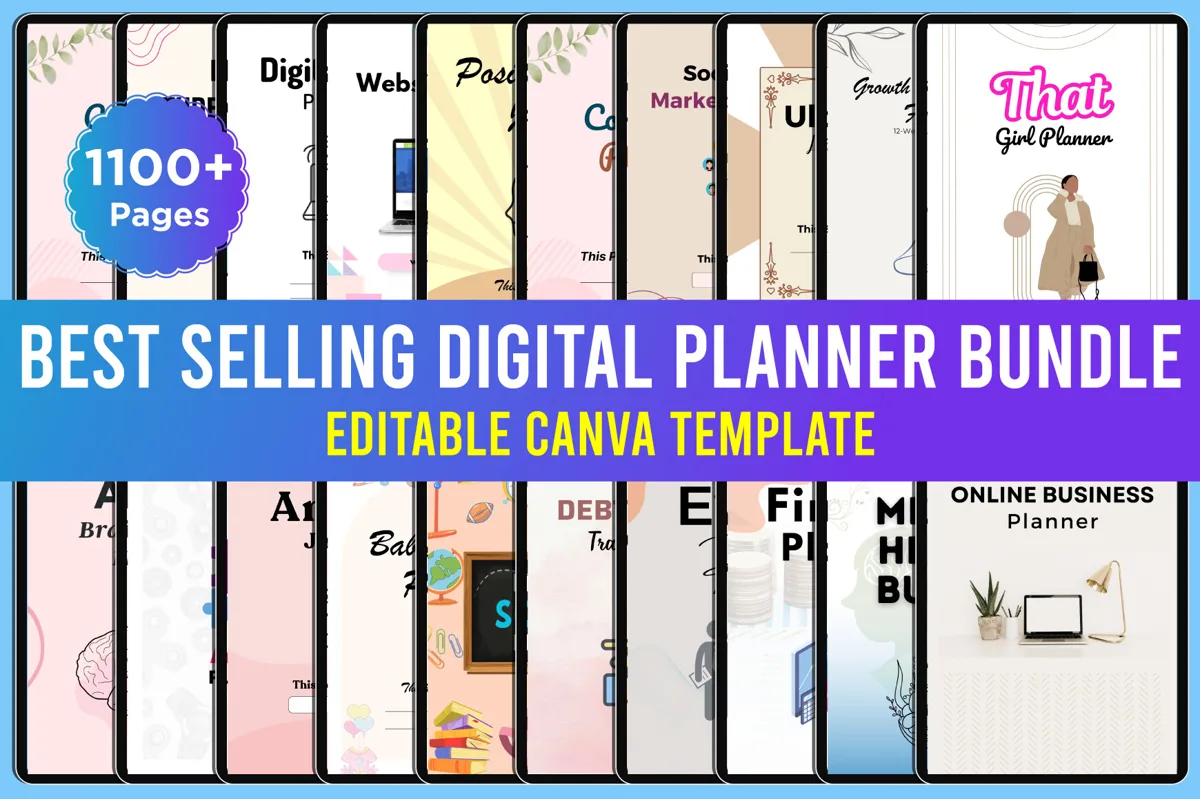
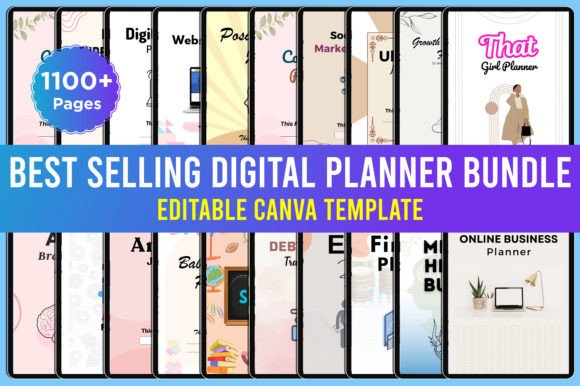
Best Selling Digital Planner Bundle
Print-ready PDF, JPEG and PNG files with editable Canva links. Change a page before you print it.
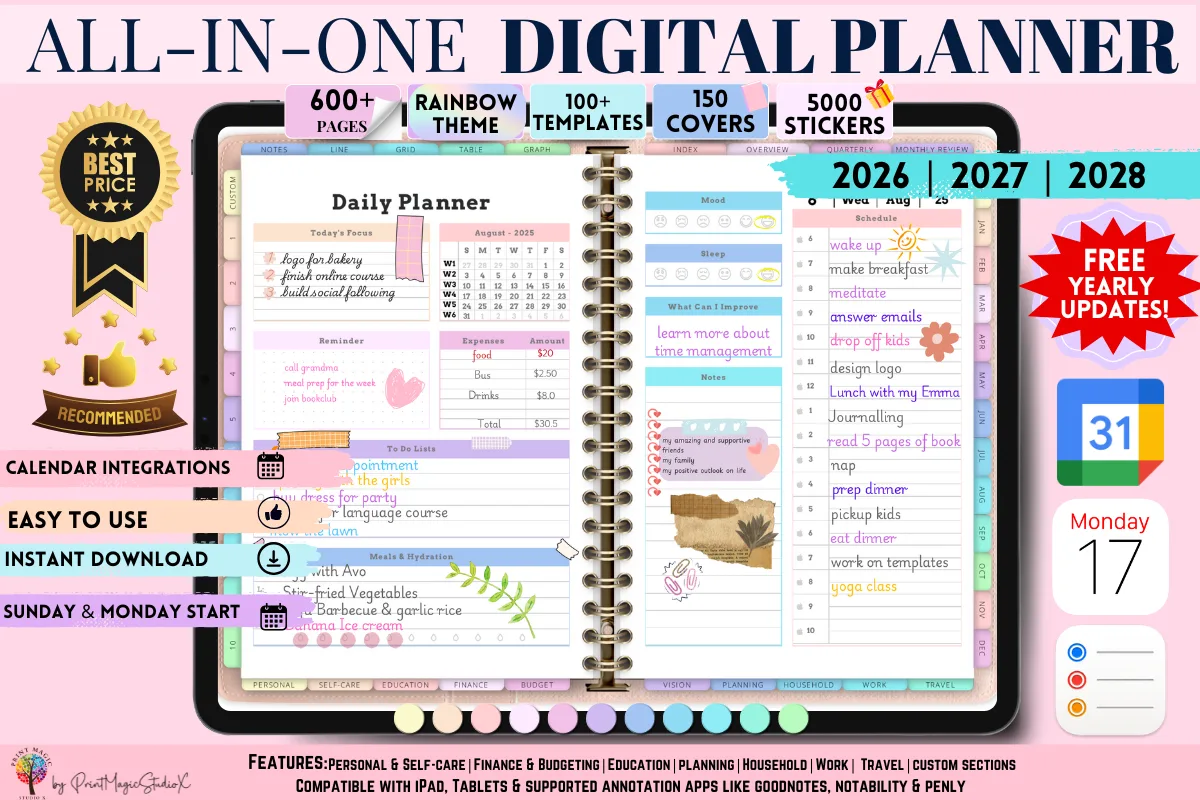
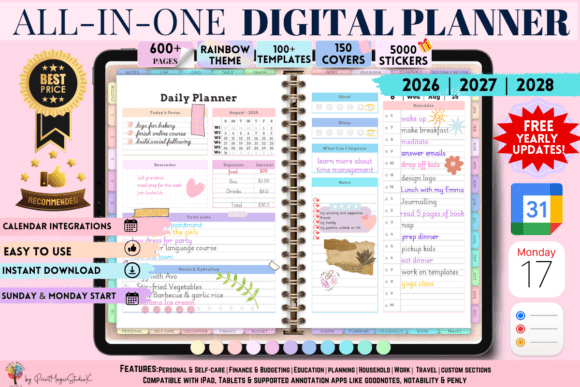
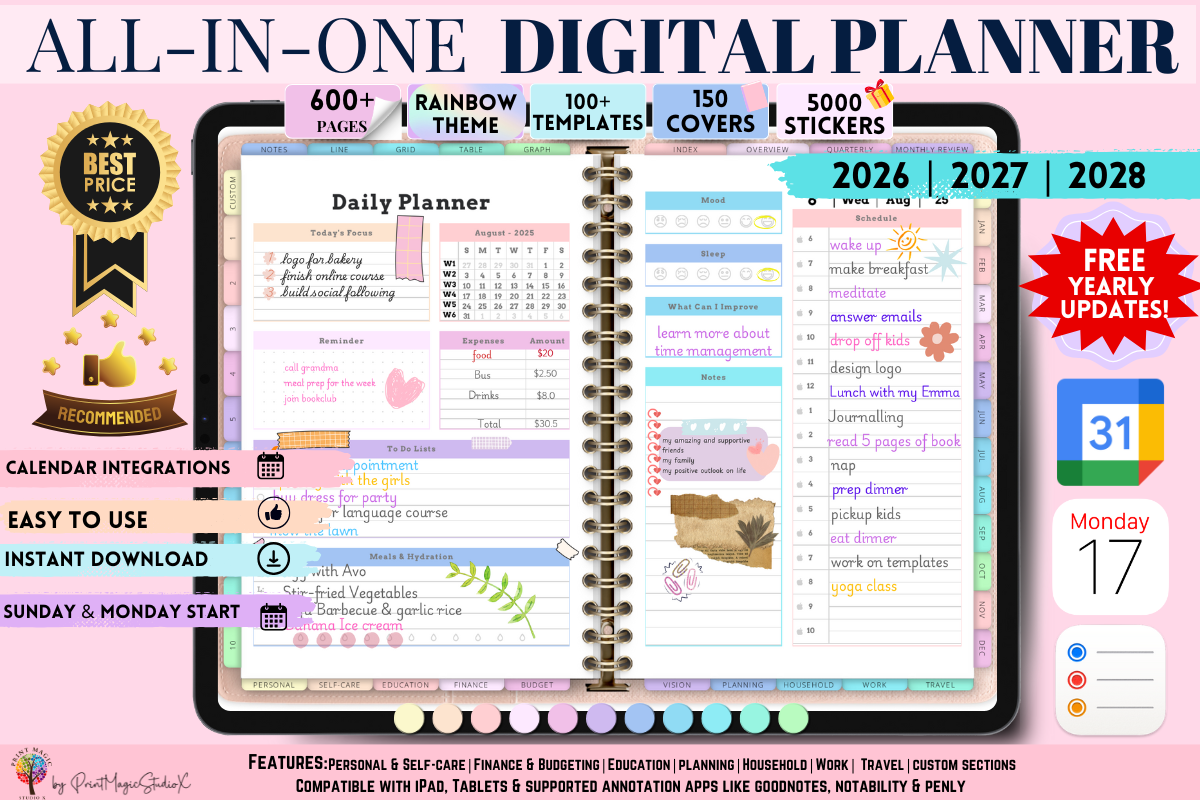
All-in-One Digital Planner
Dated for 2026, 2027 and 2028 for GoodNotes and similar apps. It needs a paid GoodNotes account to open the large files.
Prefer paper that arrives finished? See a 2027 desk calendar or a 2027 wall calendar.
Common questions
What day does January 2027 start on?
Friday, January 1. It ends on Sunday, January 31.
How many days are in January, 2027 or 2023?
31 days in both, like every January, whatever the year.
How many rows does a January 2027 calendar need?
Five on a Monday-start grid and six on a Sunday-start grid.
What holidays are in January 2027?
New Year’s Day on Friday, January 1 and Martin Luther King Jr. Day on Monday, January 18, in the United States.
How do I print a calendar without it being cut off?
Print from a PDF reader at Actual size or 100% on the paper size in your printer, and test one page first. If an edge is cut, use Fit to printable area.
Can I make my own January calendar in Word or Excel?
Yes. Insert a seven-column table in Word, or use the same grid in Excel, type the weekdays across the top, and put the 1 in the Friday box.
Can I use a free January calendar for my small business?
Usually not. Most free pages are licensed for personal use, so read the licence line before printing copies for clients.
More for you: 2027 calendar printable free, calendars and trackers and paper crafts and templates.