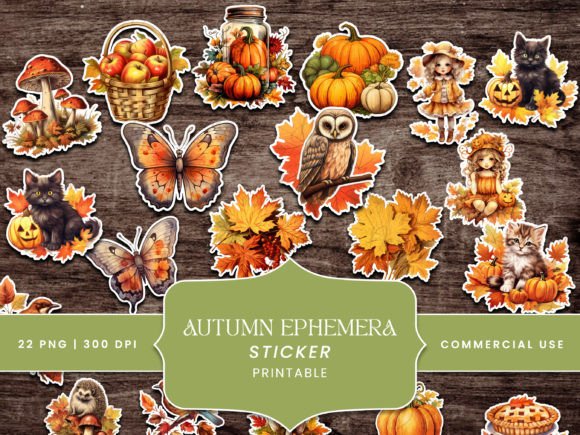
A printable sticker sheet is a page of small designs that you print at home, cut out and stick onto a journal, planner or card. This guide gives you 5 printable sticker sheet ideas, each matched to a kind of page: vintage ephemera, cute, aesthetic, planner and seasonal, plus the print settings that keep the edges sharp.
Most free sets online answer one question, where is the download. They rarely say which style suits your page, why a sheet prints blurry, or what you may do with it once it is printed.
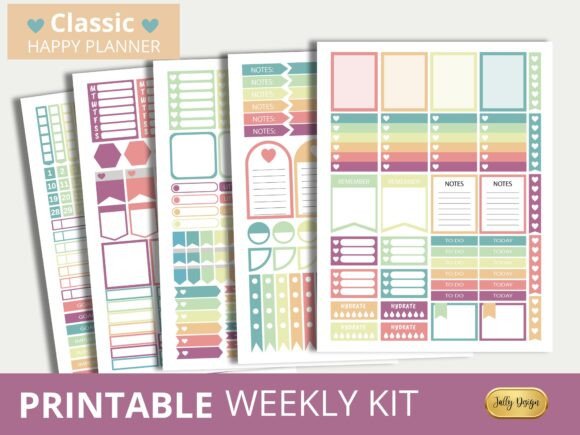
The ideas, the numbers and the licence check below fill that gap, and you can start with the printer you already own. I print one test sheet on plain paper before I touch the good sticker paper, and I suggest you do the same. For a first try, the Soft Classic Happy Planner Stickers come with a ready PDF.
What makes a printable sticker sheet worth printing
A sheet is worth printing when it prints sharp and fits the page you are decorating. You judge the first part by the file and the second by the style.
You will see that search interest is large and still growing for the plain phrase, and it splits into styles: cute, aesthetic, vintage, black and white. Cute and vintage sheets keep climbing, while aesthetic has cooled a little, so you should pick the style by your page, not by the trend.
A printable sticker sheet is worth printing when the file is made for 300 DPI and the style matches the page it goes on.
The 5 ideas at a glance
- Vintage ephemera: aged paper bits for junk journal spreads.
- Cute: animals, bows, snacks and small icons.
- Aesthetic and black and white: calm, quiet shapes that go with anything.
- Planner: tabs, weekdays and trackers you actually use.
- Seasonal: sheets built around one season or place.
If you only need to know why your sheet came out blurry, jump to the print section, then come back for the ideas. I wrote the sections so you can read them in any order. For a quick test of a clean file, open the Pastel Colored Happy Planner Stickers preview and zoom in.
Idea 1: Vintage ephemera sticker sheets for junk journals
Vintage sticker sheets printable on aged paper suit junk journal spreads, where stamps, tickets and letters do the talking. The look comes from tea-stained edges, old postage and torn paper, so the sheet works as a layer, not a decoration.
What a good vintage sheet includes
- Several sizes: a large piece for an anchor, medium pieces for support, small bits to fill gaps.
- A limited palette: brown, cream and faded colour, so the pieces sit together.
- Clean edges: a thin white margin, so cut lines do not show raw paper.
Where it breaks: dark aged backgrounds eat ink. You should print a test sheet first, because a dense sepia can come out muddy on plain paper, and I always check mine against the screen.
Vintage Mail Fussy Cuts Journal Stickers (5.0 stars, 3 reviews)
A pack of 36 vintage mail pieces to print and cut for junk journals and craft projects.
Good for letters, stamps and envelopes on a spread. Skip it for a modern look.
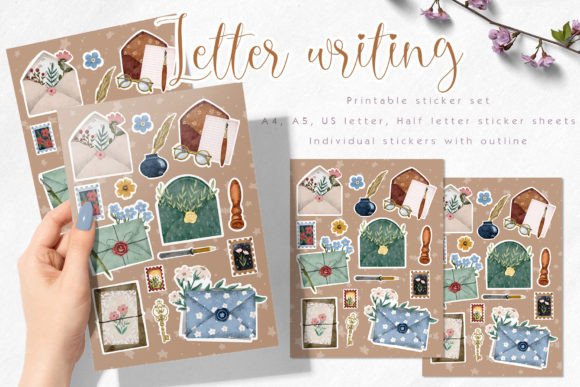
For a wider pile of aged pieces, the Autumn Ephemera Stickers Junk Journal kit has 22 distressed pieces, and the Vintage Letter Writing Sticker Pack comes as PNG with a contour ready for cutting.
Idea 2: Cute sticker sheets (kawaii animals, bows, snacks)
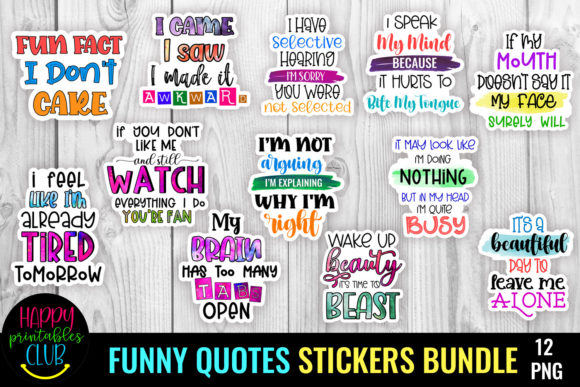
Cute printable sticker sheets are the easiest to start with, because you can cut simple, forgiving shapes without fuss. Round bodies, big eyes and small icons read clearly even when they are printed small.
How to choose a cute sheet
- Pick one subject per page, such as animals or snacks, so the page does not look scattered.
- Check that the shapes are closed and outlined, because they are far easier to cut.
- Keep a few small icons for the corners of a page.
Where it breaks: mixing five cute styles on one spread, which I did on my first journal page. If the eyes, outlines and colours differ, the page looks cluttered, which is the most common complaint about journal spreads.
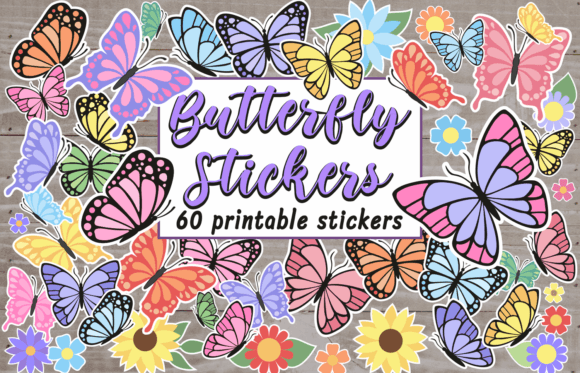
Butterfly Stickers Bundle Printable Png (5.0 stars, 4 reviews)
A bundle with 44 butterflies and 15 flower stickers to print and cut out.
Good for a soft, cute page with one repeating subject. Skip it when you need characters with faces.
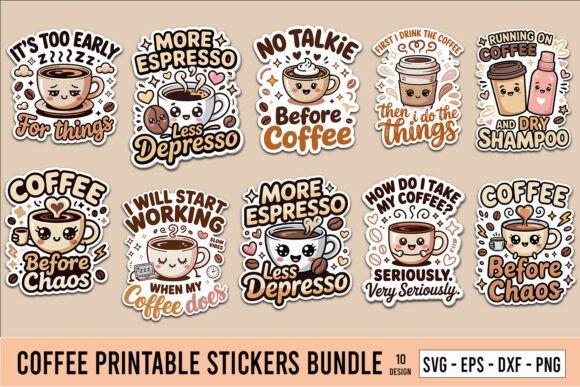
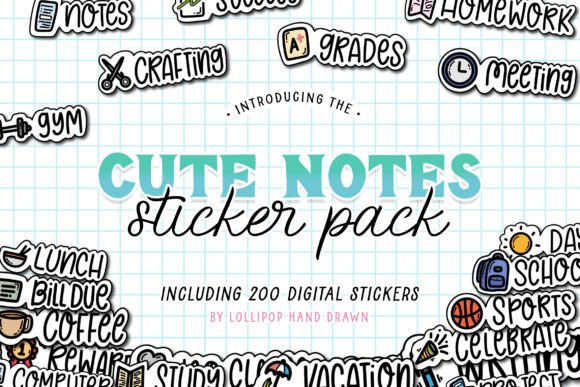
If you like hand-drawn notes more than animals, The Cute Stickers Collection offers 100 hand-drawn sticker notes, and the Coffee Printable Stickers Bundle gives you snack-sized stickers as PNG with a transparent background.
Idea 3: Aesthetic and black-and-white sticker sheets
Printable stickers sheets aesthetic and black and white work as a quiet layer under bright photos and washi tape. They stay neutral, so they fit nearly every page, which is why people keep reaching for them.
What makes a sheet read as aesthetic
- Few colours: two or three, repeated across the sheet.
- Simple shapes: circles, labels, lines and small words.
- Space around each piece: room to cut without catching the next sticker.
Printable sticker sheets black and white have one extra benefit: they print well even when colour ink runs low, so they are cheap to repeat. I use them for page numbers and small labels.
Where it breaks: a sheet with too many fine details. Thin lines blur first, so you should choose bold outlines.
Retro Groovy Sticker Bundle in Y2k Style (5.0 stars, 1 review)
A groovy retro pack of 14 PNG files on transparent backgrounds, for planners and scrapbooking.
Good for a bold retro accent on a plain page. Skip it for a muted palette.
For calm word stickers, the Inspirational and Motivational Stickers download is a PNG you print at home.
Idea 4: Planner sticker sheets (tabs, weekdays, trackers)
Printable sticker sheets free planner packs usually stop at a few weekday labels. A useful planner sheet goes further: tabs, weekday headers, checkboxes and small trackers you stick down every week.
What to look for in a planner sheet
- Sizes that match your planner boxes, not just the paper.
- A matte finish, so you can still write on the sticker.
- Repeats of the pieces you use every day, not one of each.
Matte paper suits a planner because you can write on it, though it is not waterproof. Glossy paper keeps colour brighter but takes ink poorly, so you should save it for artwork.
Where it breaks: choosing a sheet by looks only. If the weekday strips are wider than your box, you will trim every one by hand.
Soft Classic Happy Planner Stickers (5.0 stars, 5 reviews)
Five PNG sheets at 300 DPI plus a PDF at 8.5 x 11 inches.
Good for a Happy Planner or any planner with cutting-machine support. Skip it for hand-drawn doodles.
For a longer list of pieces, the Planner Stickers Collection includes 44 PNG files, and the Pastel Colored Happy Planner Stickers arrive as a five-sheet PDF to print and cut by hand.
Idea 5: Themed seasonal sheets (ocean, florals, travel)
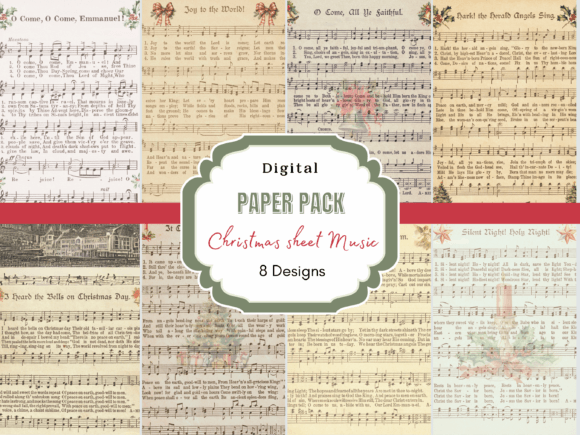
Printable ocean animal stickers, florals and travel icons share one trick: they build a whole page around a single subject. A seasonal sheet gives you a ready theme, so you do not have to hunt for matching pieces.
How to use a themed sheet
- Print the sheet once and sort the pieces by size.
- Stick the largest piece first, then fill around it.
- Keep one piece back for the cover or a tag.
Where it breaks: a theme that ends with the season. Pick pieces you will still like next year, or keep the sheet for a single page.
Seasonal Fall Word Scraps and Stickers (5.0 stars, 8 reviews)
100 grungy words in black and tan, split between fall and Halloween, to print and cut.
Good for adding labels to an autumn spread. Skip it for full-colour pictures.
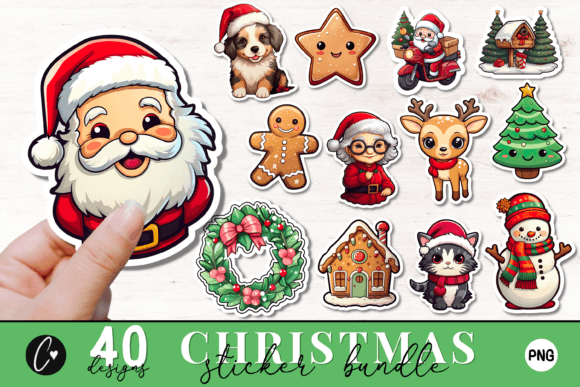
For winter pages, the Cute Christmas Stickers PNG Bundle has 40 stickers made for print and digital use.
How to tell a hand-drawn sheet from an AI one
Sticker shoppers increasingly worry that a store sheet looks AI-made, and ask how to tell a drawn sheet from a generated one. You can check it in a minute, before you print.
What to check
- Repeats: a drawn set repeats shapes on purpose, a generated set repeats them by accident.
- Edges: look for a line that wobbles or breaks at a corner.
- Details: zoom in on hands, text and small icons, since those go wrong first.
A sheet with hand-drawn character is not better in every case, but it fits a journal that is meant to look personal. I zoom in on the preview before I choose a set, and I look at the text first. You can do the same with any product page, and a file list with a transparent background, as on the Retro Groovy Sticker Bundle in Y2k Style, tells you more than one pretty preview.
How to print sticker sheets at home without blurry edges
Blurry sticker sheets almost always come from the file or the settings, not from the printer. You fix it with a short checklist, and I use the same one for every style above.
The print settings that keep edges sharp
- File: use a sheet made at 300 DPI, on a 8.5 x 11 inch or A4 canvas.
- Test: print on plain paper first and check the edges.
- Paper type: choose Photo Glossy or Premium Matte in the printer dialog.
- Quality: set it to Best, not Draft.
- Scale: print at 100%, never fit to page.
Matte paper works for a planner and glossy works for bright artwork. Lamination goes on before cutting, so a coat protects the ink.
How many stickers to put on a first sheet
A first sheet holds 12 to 20 stickers: 6 medium ones of about 2 inches, 8 small ones of 1 to 1.25 inches, and 2 to 4 strips. Leave a gap of 1/8 inch (3 mm) between stickers and a margin of 1/4 inch (6 mm) from the edge, so the printer does not clip a corner.
Where it breaks: a thin white outline around each sticker. Add a white offset around each piece so a slightly crooked cut still looks clean. A sticker pack with a ready contour saves you from drawing it.
Cut them out: scissors, craft knife or kiss-cut on Cricut
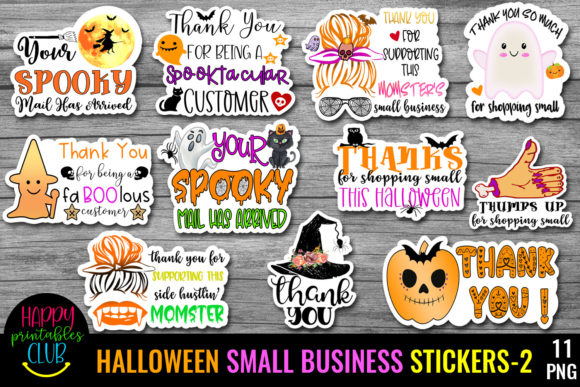
Cutting sticker sheets neatly takes a steady hand or a machine, and both work. Your choice depends on how many sheets you print, and I cut by hand when I print one or two.
- Scissors: best for a few sheets and round shapes. Turn the paper, not the blades.
- Craft knife and ruler: best for straight labels and strips.
- Kiss-cut on a cutting machine: cuts the sticker but not the backing, so a sheet peels cleanly. It needs a PNG with a contour, like the five-sheet set in the Soft Classic Happy Planner Stickers.
Laminate first, then cut. If you cut first, the edges stay unprotected and ink can lift at the corners.
Free vs licensed sticker sheets: what you can do with each
Free sticker sheets are almost always for personal use, and that is where the limit sits. You may print them for your own journal, but you may not sell them, put them in a shop listing or hand them out as part of a product.
Where free sheets run out
- Licence: personal use only, no resale.
- Format: a flat PDF or JPG, with no transparent PNG and no cut contour.
- Completeness: one style across a few sheets, with the rest behind an email form.
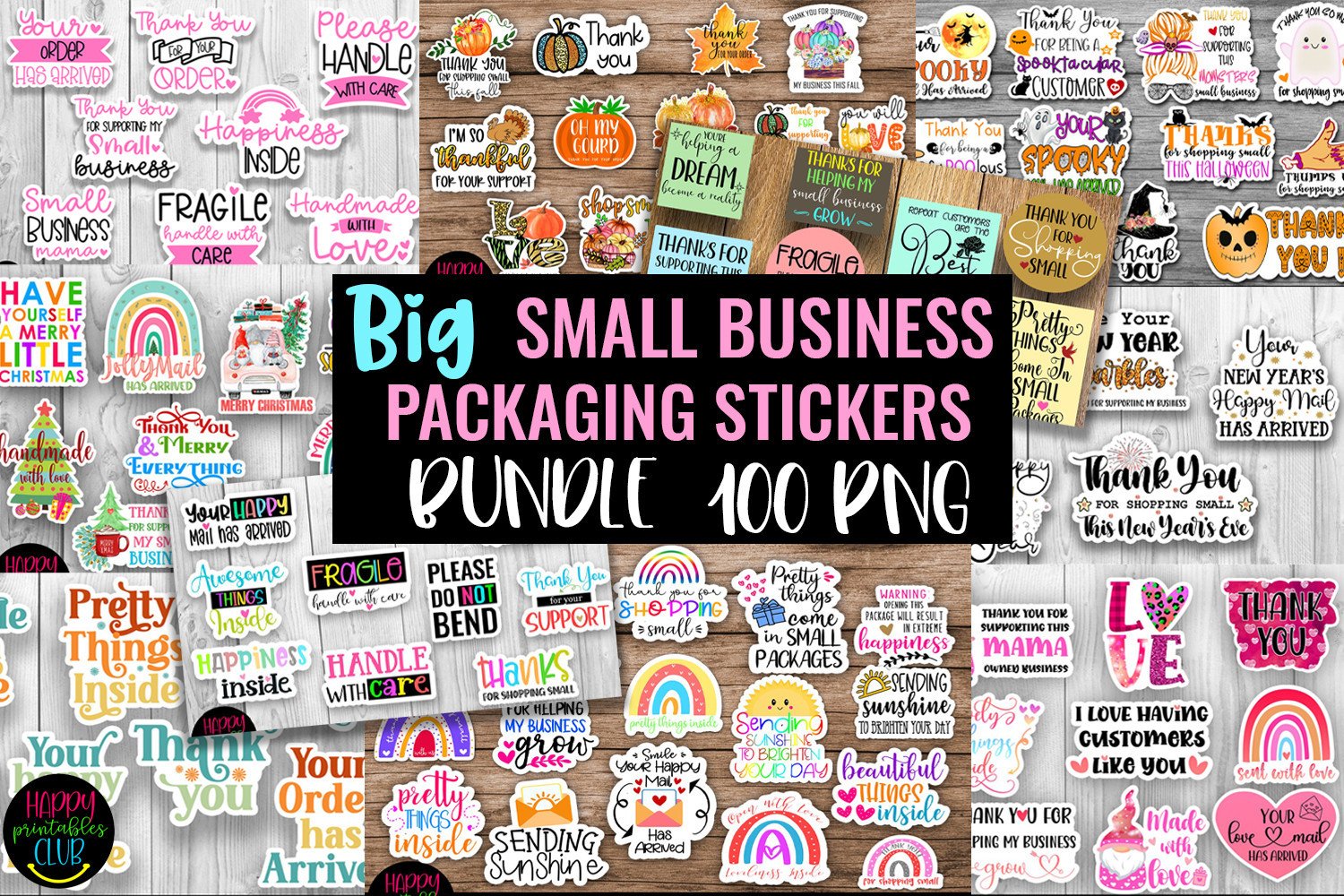
A free sheet is enough for a first page. To cut on a machine, or to use stickers with a gift or a small shop order, check for a commercial licence. The Small Business Packaging Stickers Bundle is made for packaging, and it has 20 reviews at 4.9 stars. You should read the licence on the product page before you print.
Printable sticker sheets FAQ
Do I need special sticker paper to print them?
Not for a test. Print on plain paper first to check the size and edges, then move to sticker paper for the real sheet.
What resolution should my sticker design be?
300 DPI. Anything lower prints soft, and thin lines blur first.
Why do my printed stickers look faded or streaky?
Usually the paper type is wrong. Choose Photo Glossy or Premium Matte in the printer dialog and set quality to Best.
How do I cut them out neatly?
Laminate first, leave about 1/8 inch (3 mm) between stickers, and cut with scissors, a knife and ruler, or a machine with kiss-cut.
Can you print sticker paper on a normal printer?
Usually yes, if you use a home inkjet and pick the right paper type in the dialog. Check your printer manual for the thickest paper it takes, and run a plain paper test first. Epson and Brother inkjets are common choices, so look for your model name in the paper settings.
How do I print sticker sheets on Cricut?
You print the sheet at home, then let the machine cut it. Use a PNG with a transparent background and a white offset, print, load the page and kiss-cut so the backing stays whole.
Is printable sticker paper waterproof?
Not by default. Matte paper takes writing but is not waterproof, so for a bottle or a car you want vinyl paper and a clear laminate over the print. Car decals also need outdoor vinyl, which is a different product from a planner sheet.
What is the best way to print label sheets?
Treat label sheets like sticker sheets: 300 DPI, a white margin and a test print. The best way is the one you can repeat, so save your printer settings once they look right.
Where can I print sticker sheets near me?
Print shops such as Staples or FedEx may print sheets on request, but you should ask which paper they use. The best place depends on how many sheets you need: one or two are fine at home, while a large batch is easier at a shop. Reddit threads in journal communities are a useful place to compare shops.
Are free printable sticker sheets enough?
For a first page, yes. They are personal use and often come as one style. For machine cutting or anything you share beyond your own journal, a licensed set such as the Planner Stickers Collection is safer.
Which sheet to print first
| Your page | Start with | Check first | What finishes it |
|---|---|---|---|
| Junk journal spread | Idea 1: vintage ephemera | Dense dark areas on a test print | Cut with a thin white margin |
| Cheerful page | Idea 2: cute | One subject per page | Same outline style throughout |
| Quiet, neutral page | Idea 3: aesthetic | Bold outlines, few colours | Space around each piece |
| Weekly planner | Idea 4: planner | Strip width against your boxes | Matte paper you can write on |
| Themed page or cover | Idea 5: seasonal | Pieces you will keep liking | Largest piece first |
Picking a starting point
If you are unsure, print the cute sheet on plain paper first: it is forgiving and shows you at once whether your settings are right. For a printed set of one of the ideas, the Vintage Mail Fussy Cuts Journal Stickers cover the vintage look and the Soft Classic Happy Planner Stickers cover the planner.
The same sheets work for junk journal ideas, scrapbook layouts and card making, where a few stickers often finish the page. A lettered title from hand lettering or a few cute doodles sit well next to them.
Before you print the good sheet, confirm:
- The file has enough resolution for print.
- A test print on plain paper looked sharp.
- The printer dialog says Photo Glossy or Premium Matte, quality Best.
- Scale is 100%, not fit to page.
- You checked the licence for how you plan to use the sheet.